

When developing digital products such as websites, applications, or other software, the phrases “UI design” and “UX design” are often conflated. In reality, however, they are actually two separate elements of product creation, and each impacts the user’s experience in a different way. To create a functional and successful product, it is critical to understand the distinctions. This article clarifies what UI and UX design are, the differences between the two, and most importantly, the implications of each on the overall user experience.
What is UI design?
UI design is the user’s interface design, or the digital product’s design at the point of user interaction. UI design incorporates everything that the user interacts with directly, such as buttons, icons, menus, fonts, and colors, as well as images and other components that occupy space on the screen. User interface design’s goal is to ensure that the interface is visually appealing and that the interface can be easily navigated and used. UI design is focused on providing an effective and efficient way for users to accomplish their objectives, and as such, it also incorporates elements of system and interaction design.
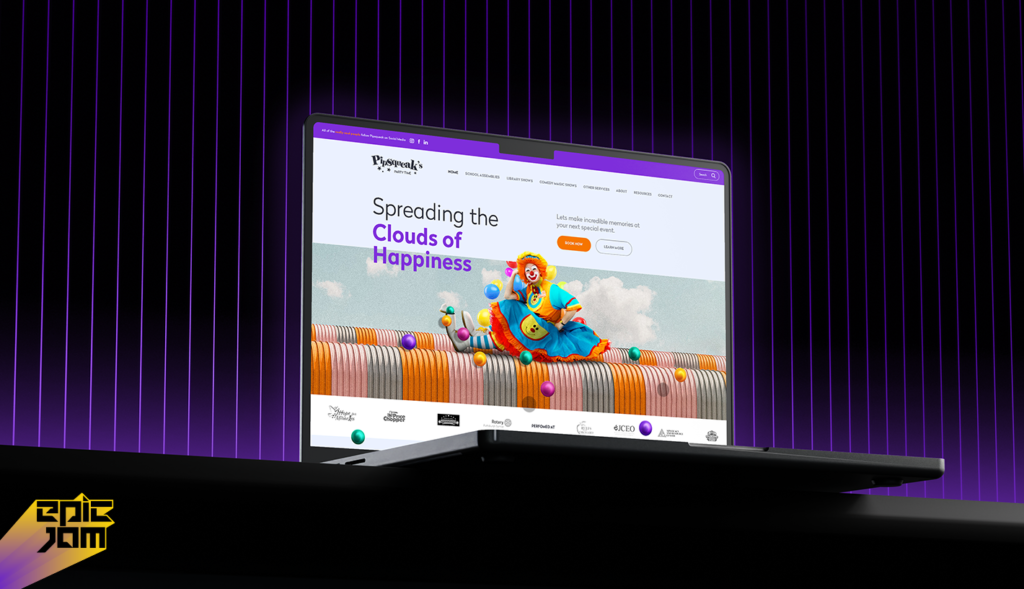
A UI designer focuses on the following visual elements:
- Styles of buttons
- Color palettes
- Use of typography
- Layouts and grid systems
- Use of icons and imagery
These visual elements are adaptive/responsive and flexible.
In essence, UI design focuses on how a product appears and the experience it provides on screen.
What is UX design?
UX design refers to the user experience, which is the experience a person has when using a product, service, or system. UX design is about understanding a user’s needs, behaviors, and emotional responses during the various steps of their journey with a product. This is about the ease and satisfaction a user feels in attaining their goals with a product.

This is what a UX designer does:
- Conducting user research and creating user personas
- Designing information architecture
- Designing user flows and navigation
- Creating wireframes and prototypes
- Conducting usability testing
- Designing interactions
While UI design focuses on aesthetics and sensory stimuli, UX design focuses on practicality and functionality in terms of design.
Key differences between UI and UX design
1. Areas of Focus
UI design: Areas of interest are visual design and interaction design. These include layout, color use, typography, and the overall aesthetic look and feel.
1. Definition
UX Design: Concerns all aspects of user interaction with the product. This includes everything from making the product intuitive to minimizing navigation complexity and optimally providing solutions to all user pain points.
2. Responsibilities
UI Designers: Responsible for the formulation of all the visual aspects of the product interface and optimization of the ease of use of the product.
UX Designers: Responsible for user-related activities, including but not limited to user research, user portrayal, wireframing, and prototype testing. These activities are done principally for the enhancement of the user experience.
3. The Phases
UI Design: This design phase comes into effect once the phase of UX design has been completed. When the designers of the product have established the layout and navigation of the product, UI designers increase the visual effect of the components comprising the interface.
UX Design: This design phase begins so early in the life cycle of the product, long before UI designers are brought into the cycle. This design phase of the product is made up of identification of the user pain points, formulation of user personae, definition of user flows and journeys, and prototyping.
4. Implications for the Product
UI Design: The interface design has a major influence on the user interaction with the interface of the product. A well-designed interface minimizes the ease of use of the product and increases the effectiveness of its use.
UX Design: Directly influences all elements of the experience. If a UX design is great, a user can finish all the tasks he/she has been given with absolute ease, all user pain points will have been addressed, and the user will have a positive perception of the product.
5. Skills
UI Designers: UI designers should also be proficient with design software (Sketch, Figma, Adobe XD, etc.) and possess strong knowledge of design principles, visual design, and typography.
UX Designers: UX designers need to possess some knowledge in human behavior and have strong problem-solving skills and some knowledge in user research. Prototyping, wireframing, and usability testing are some of the tools used in the profession.
How UI and UX Collaborate
UI and UX design are processes that complement each other in creating a functionally and aesthetically pleasing product. While good UX design ensures that users are able to complete their tasks with minimal to zero frustration, UI design achieves the visually pleasing and intuitive aspect.
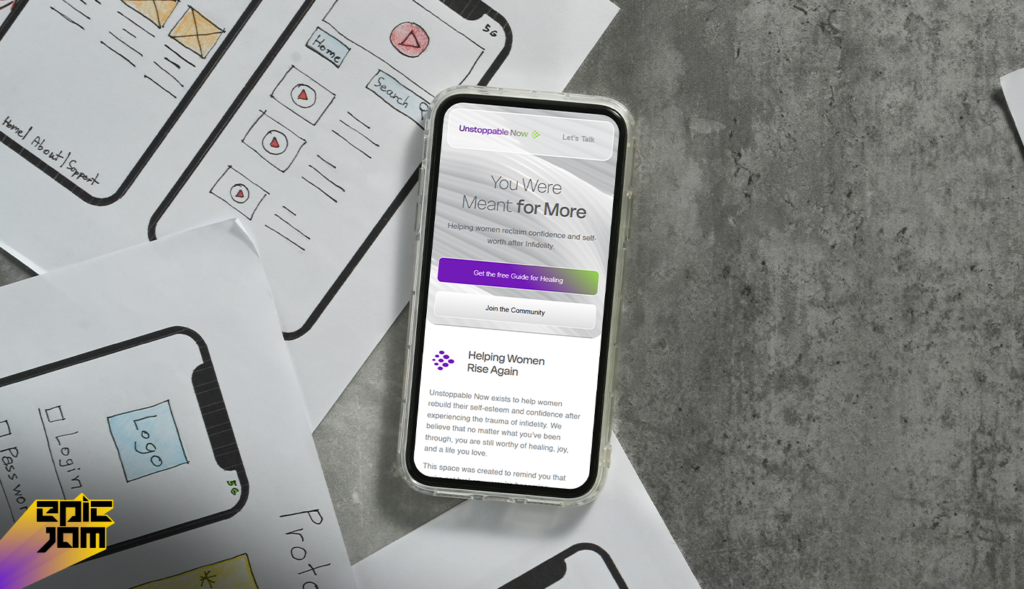
Take a mobile application; if the user flow is not clear (which is a UX problem), no matter how beautiful the design looks (a UI success), he/she will be frustrated and leave the application. On the other hand, it is also true that good UX design and lacking UI (wrong color choices and poorly chosen font) will create a frustrating user experience.
Real-Life Example: The Role of Epic Jam in UI/UX Design
Epic Jam appreciates the importance of UI and UX design being integrated in a single approach and design process. The design team positively approaches the development of digital products that are easy to use and aesthetically pleasing. While developing a custom app for a client or designing a website, a special emphasis is placed on creating a user journey that is uncomplicated, helping them achieve their desires or goals with the product being offered.
Recent project work determined that the UX team relied heavily on the user to define the audience to determine the wireframe and the user flow. The UI team then relied on that and developed a refined design that was audience engaging and simplistic in structure. The design was both appealing and effective.
Common Misconceptions about UI and UX Design
1. UI and UX are Similar
In defense of the ignorance, a mistake is that UI and UX are terms that can be used synonymously. UI and UX speak to differences in the design process and areas that need differentiation. While these two design processes integrate with the other, one is for the visual factor and the other is for the environmental factor.
User satisfaction: It is Only About the UI
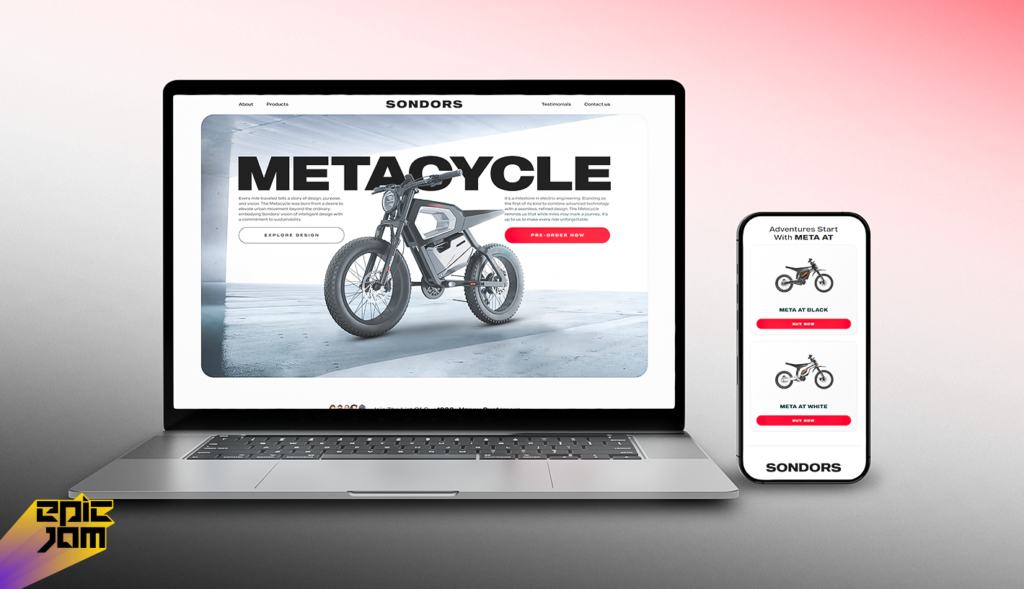
Some people think that just because a product is visually appealing, it’ll do well in the market. However, if the product visually attracts users but does not meet users needs or has a complex interface, it will not provide the users satisfaction. Both the UI and UX are equally important when it comes to the success of a digital product.
UX Design is Only for Websites and Apps
The principles of UX design can be utilized on any product or service that incorporates user interaction. That includes tangible products, services, and systems. The focus of UX design is to optimize the experience for every interaction.
| Aspect | UI Design | UX Design |
|---|---|---|
| Definition | Design of the product’s interface at the point of user interaction (visual elements). | Design of the entire experience a user has when using a product or service. |
| Focus | Visual appeal, layout, colors, typography, icons, buttons. | User needs, behaviors, satisfaction, ease of completing goals. |
| What It Includes | Buttons, menus, fonts, imagery, interactive interface elements. | User research, information architecture, flows, wireframes, prototypes, usability testing. |
| Goal | Make the interface appealing and easy to use. | Make the product easy, enjoyable, and effective for users to achieve goals. |
| Key Responsibilities | – Choose style elements – Create grids and visual layout – Ensure visual consistency |
– Conduct user research – Define user personas – Design journeys and navigation – Test usability |
| Phase in Design Process | Comes after UX design (once functionality and structure are mapped). | Starts earlier in product lifecycle (before UI); shapes structure and flow. |
| Impact on Product | Affects how users interact visually with the interface. | Affects overall satisfaction and success of user interactions. |
| Required Skills | Strong visual design skills, familiarity with design tools (Figma, Sketch, Adobe XD). | Research skills, problem solving, UX methodologies, wireframing. |
| Relation to Each Other | Part of user experience, focusing on aesthetics and visual touchpoints. | Broader discipline that includes UI as one component. |
The Impact of UI/UX Design on Your Company
Whether it is a website, an app, or any other digital product, the success of your business relies on quality UI and UX design. Here are the reasons for that:
A well-designed UI will make users more willing to interact with the product, and a good UX will mean that it is easy for them to achieve their goals. This will ultimately lead to the users’ satisfaction and improved engagement.
Visually appealing and easy-to-navigate products will more easily convert visitors into customers. This means that the product will have higher conversion rates.
Brand Loyalty: When a user finds an experience that is easy to navigate and pleasing, the user will develop trust and loyalty, and there will be an increased likelihood that the user will continue to use the product.
Competitive Edge: Given the increasing number of companies operating online, effective UI/UX design will help you differentiate yourself from the rest by providing an excellent user experience.
Conclusion
Although UI and UX design are closely related, they each fulfill unique functions within the development of a product. While UI design is concerned with the aesthetics of a product, UX design is concerned with the qualitative entirety of an individual’s experience. Creating a product that looks fantastic and works well requires balancing the two design disciplines by appreciating the distinction between UI and UX design.
At Epic Jam, we are of the opinion that effective digital products are the result of the synthesis of quality UI and UX design. It is paramount to shape and enhance both UI and UX to ensure that your digital product meets its objectives, regardless of whether you intend to revamp an existing product or develop a new digital product.
Read Also: 10 Best Enterprise Business Software for Driving Growth and Efficiency
FAQs
Q1) What is the difference between UI and UX design?
UI design focuses on the visual look and interactive elements of a product, like buttons, colors, and layouts. UX design focuses on the overall user experience, usability, and satisfaction. In short, UX ensures a product works well; UI ensures it looks and feels intuitive.
Q2) Which is more important: UI or UX design?
Both are essential. UX design ensures users can easily navigate and complete tasks, while UI design makes the interface visually appealing. A product succeeds only when usability and aesthetics work together.
Q3) Can a product have good UI but poor UX?
Yes. A product may look visually appealing (good UI) but be confusing, slow, or hard to navigate (poor UX). A strong user experience requires both usability and effective visual design.
Q4) What does a UX designer do?
A UX designer researches user behavior, creates personas, maps user flows, designs wireframes, and tests usability. Their goal is to make digital products efficient, easy, and enjoyable for users.
Q5) What does a UI designer do?
A UI designer creates the visual interface, including colors, typography, buttons, and layouts. They ensure consistency, aesthetic appeal, and an intuitive interactive experience for users.
Q6) Is UI design part of UX design?
Yes. UI design is a subset of UX design. UX covers the overall user experience, while UI focuses on the visual and interactive elements that shape that experience.
Q7) What skills do UX and UI designers need?
UX designers: user research, wireframing, prototyping, usability testing, problem-solving.
UI designers: visual design, typography, color theory, branding, and tools like Figma or Adobe XD.
Q8) Which career is better: UI or UX design?
Both careers are in high demand. UX is research-focused and strategy-driven, while UI is creativity-focused and visual. The best path depends on your preference for problem-solving (UX) or design aesthetics (UI).
Q9) Do small businesses need both UI and UX design?
Yes. UX improves usability, navigation, and conversions, while UI builds trust and brand credibility. Together, they ensure a positive experience that drives engagement and sales.
Q10) How do UI and UX design affect SEO and conversions?
UX design improves site structure, navigation, speed, and mobile usability, boosting SEO. UI design enhances engagement and guides users to key actions, increasing conversions and reducing bounce rates.

